Portal Overview
Welcome to the help documentation for Zuar Portal.
More content is available on Zuar's blog including specific embedded analytics content.
If you don't find your answer here, or just want to start a discussion on a Portal topic, join the Zuar community and discuss Portal with Zuar team members and other Portal users.
What is Zuar Portal?
Zuar Portal is a completely customizable data driven web application.
Each Portal consists of one or more pages, each with its own unique URL.
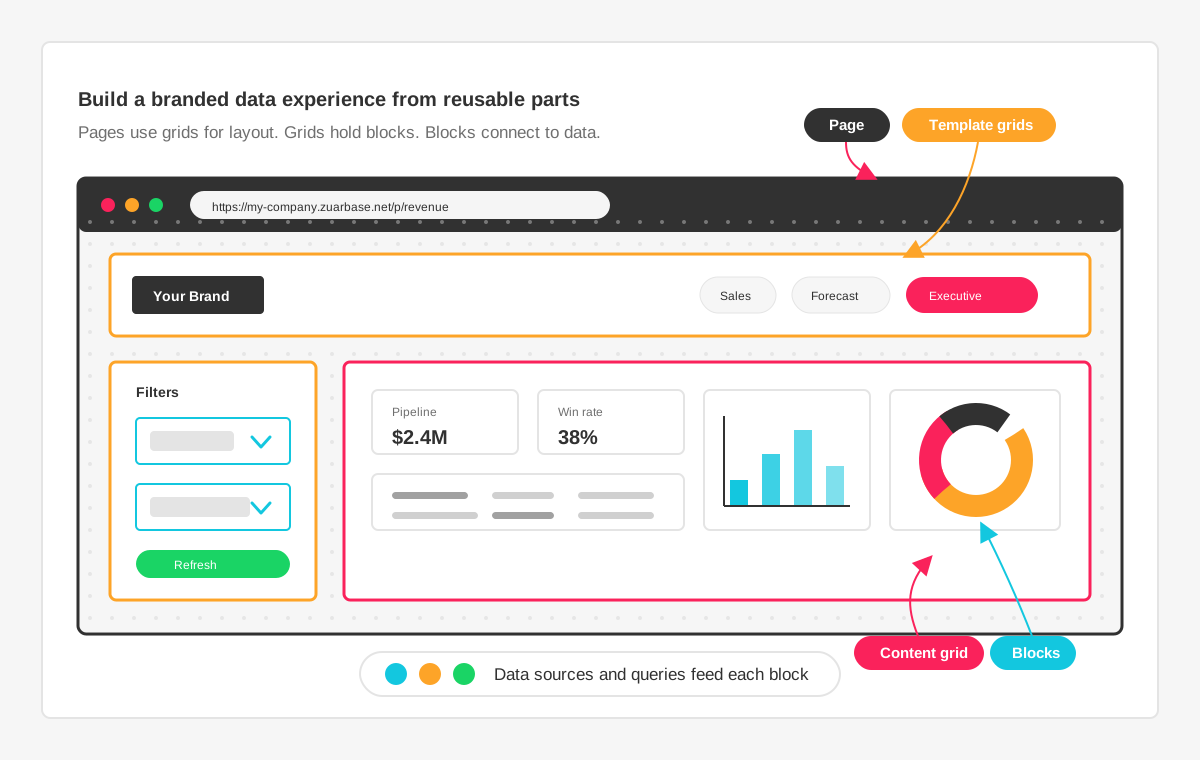
Each Page is assigned a template, which breaks the page into one or more grids. The content grid is where the main content of a Page is displayed. Templates may also have template grids, such as a header or sidebar, whose content remains the same across all pages.
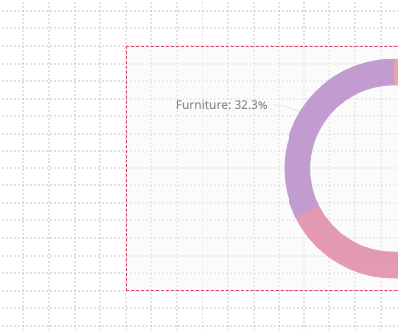
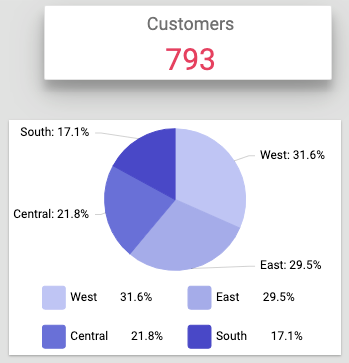
Visual elements, such as charts or filters, are added to the grids using blocks. Block types include charts (bar, pie, line, gauge, time series), content blocks (HTML, Markdown, Data Table), BI integrations (Tableau, Power BI, ThoughtSpot), filters (select, multi-select, date range, input, cascading, parameter controls), an AI Chatbot for natural language data exploration, and system blocks (user menu, file browser, and more).
Data is provided to your Portal by defining one or more high-level database select statements as data sources.
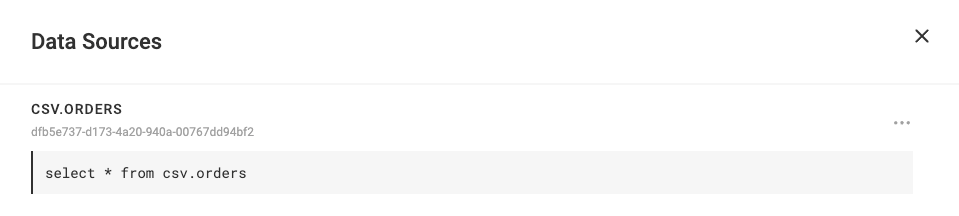
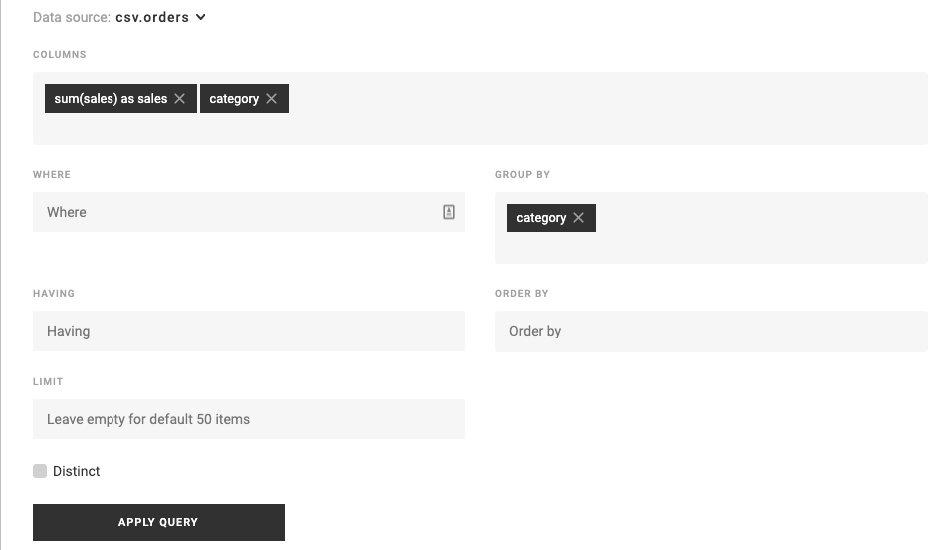
A Block may then define a query on a data source to get the exact data it needs to display its content. Blocks may also define filters, which filter the data provided by a data source.
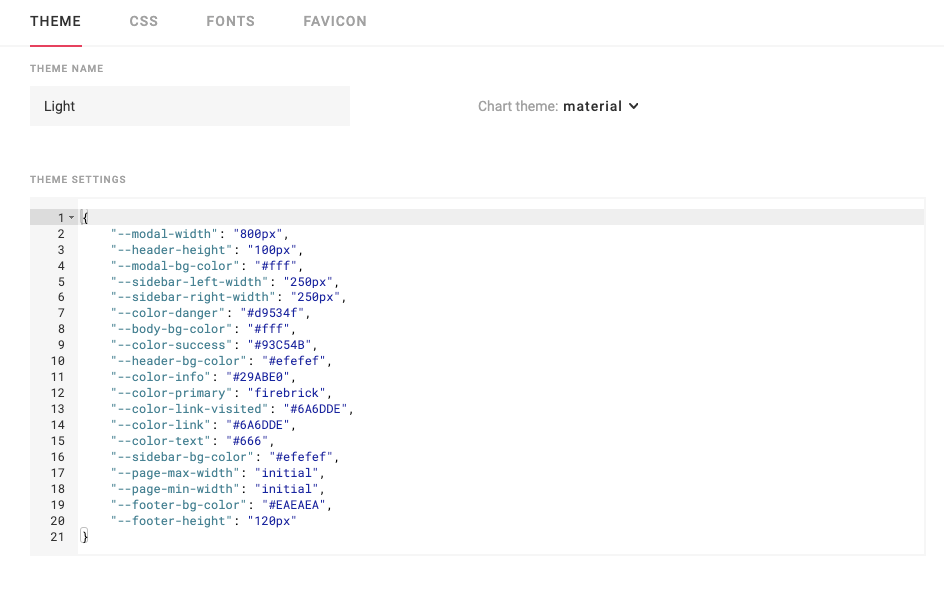
Themes are used to style the Portal using CSS.
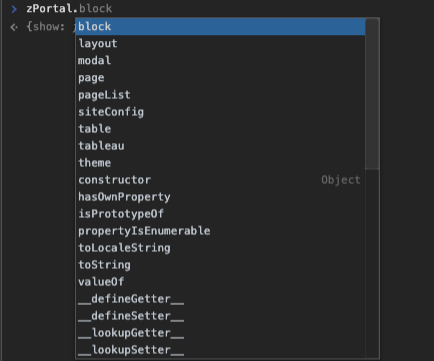
Additionally, Portal administrators have access to the System JavaScript API which provides programatic access to the Portal allowing you to build advanced behavior and user interactions.
Next Steps: Learn about Blocks